Happique / Mockup studio
Your design. Ready for the real world.
Turn your artwork into product mockups, right in your browser. Explore T-shirts, book covers, packaging and more, then export a presentation worth sharing.
No sign-in. No credits for mockup previews or exports.
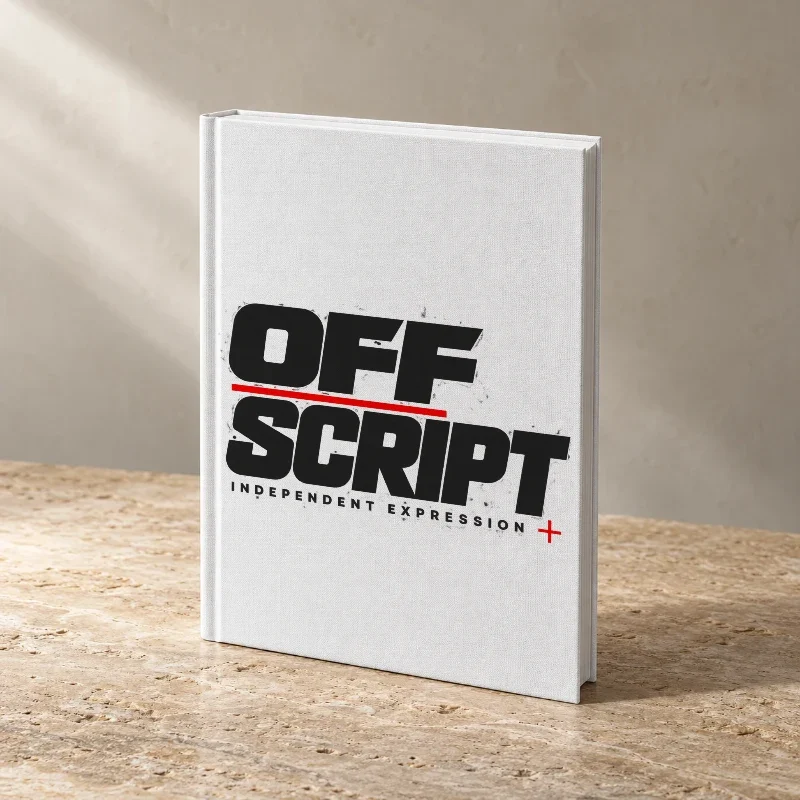
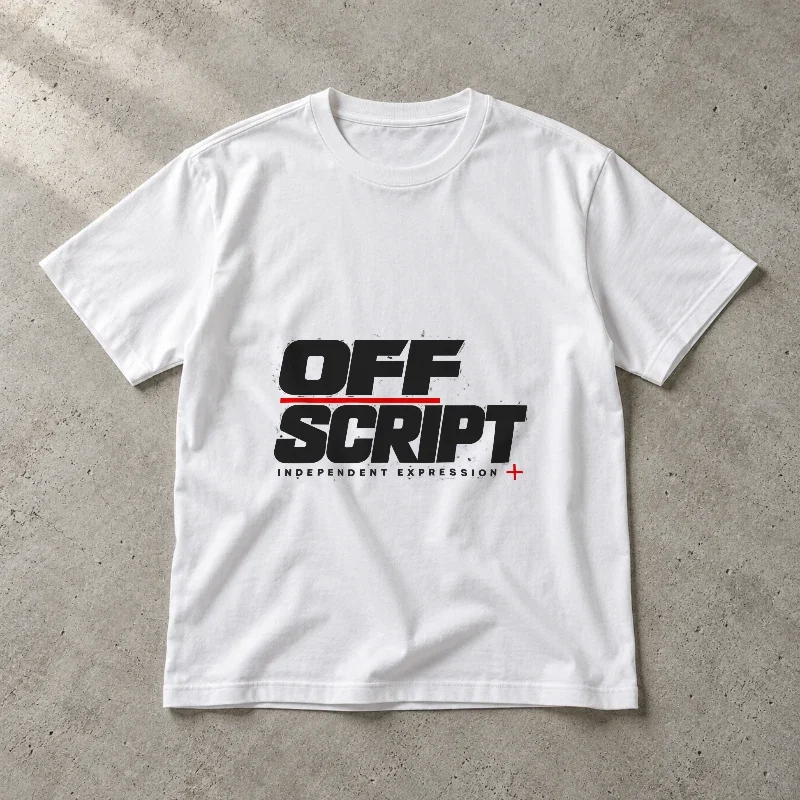
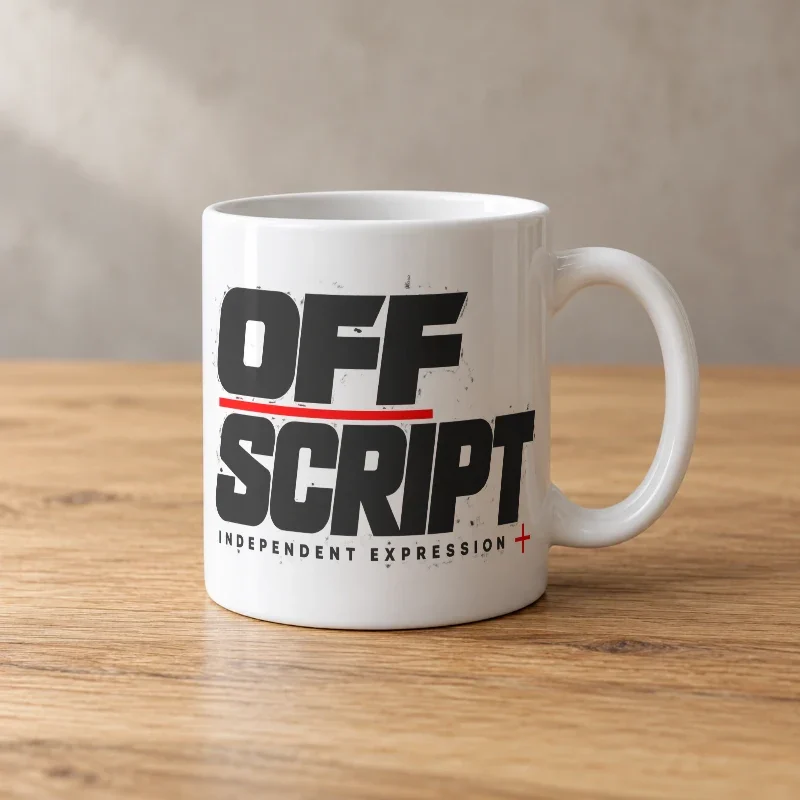
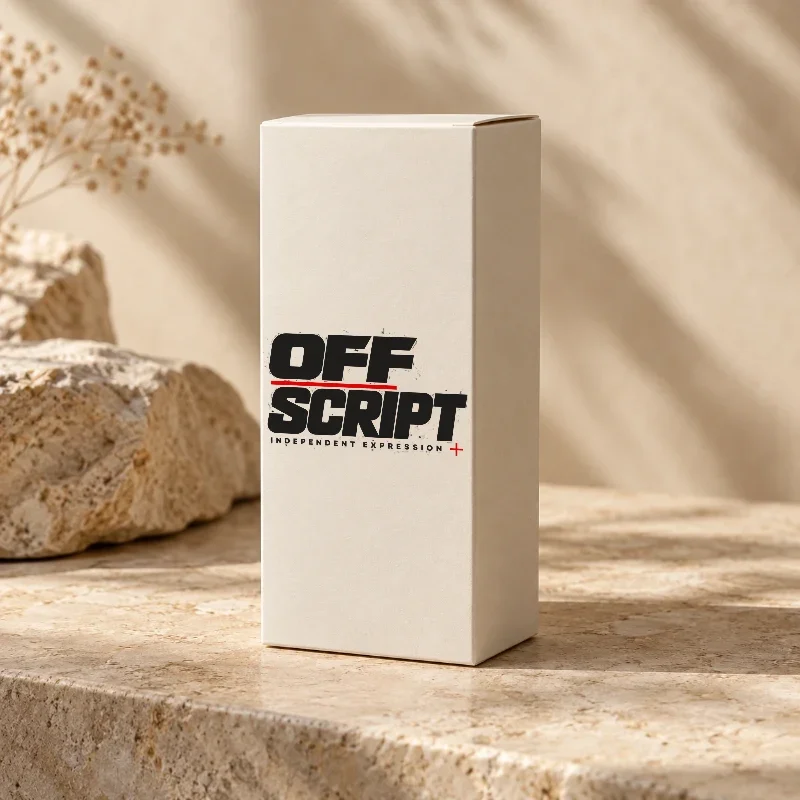
- Scenes to explore
- 37 templates
- Keep the background flexible
- 5 transparent scenes
- PNG export size
- 2048 × 2048
Make it yours
Meet your next product shot.
Start with our sample, or choose your own image inside the studio. Switch scenes, fine-tune the fit and download your mockup.
Open the studio to try the sample or bring your own artwork.
One design. So many possibilities.
Preview your identity on merchandise, bring a book cover to life or plan your next packaging presentation. All these examples use the same artwork, rendered in the studio.
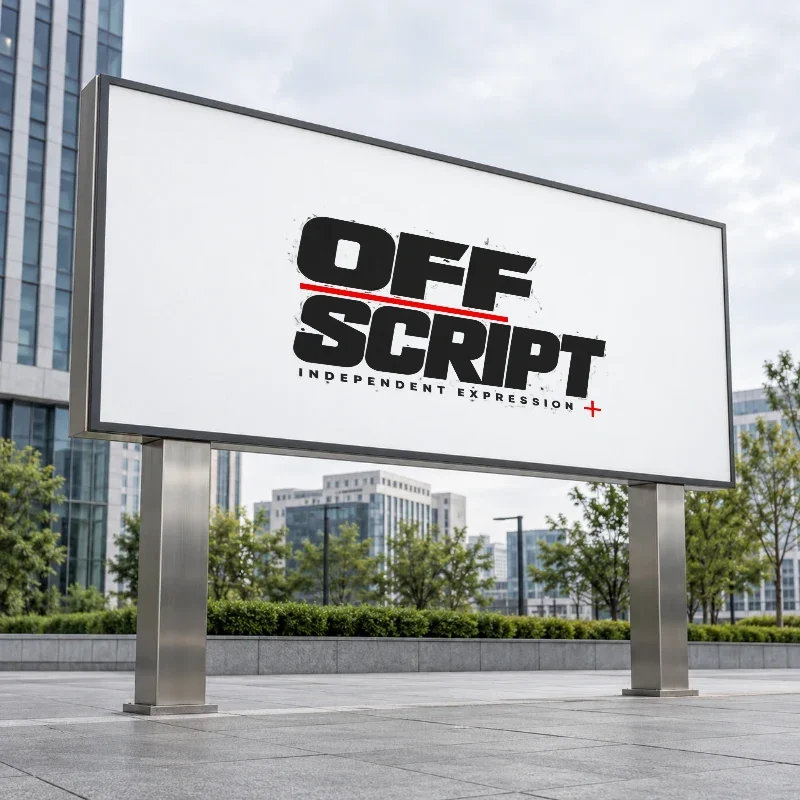
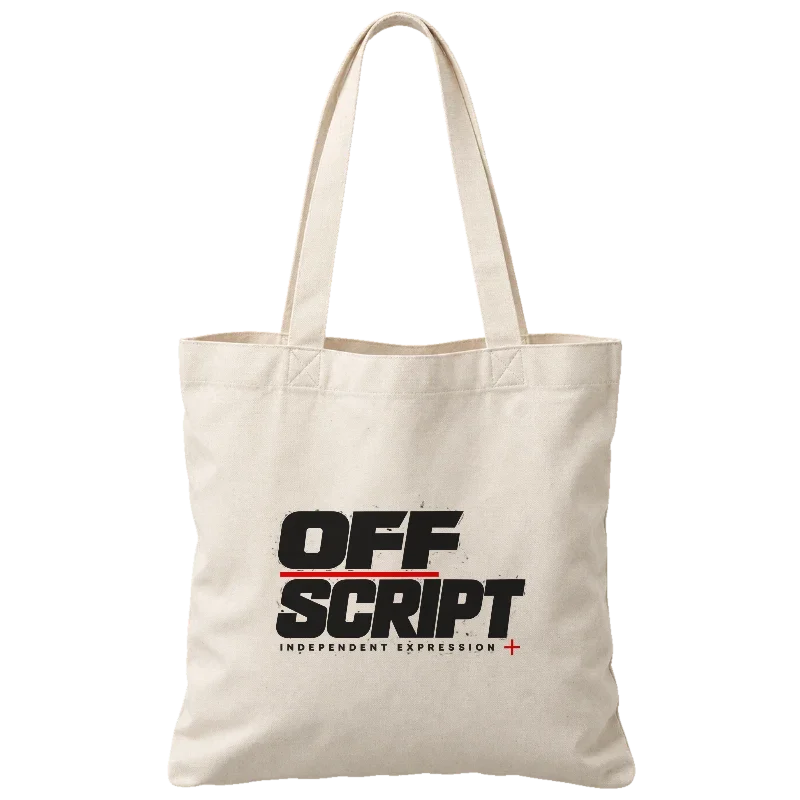
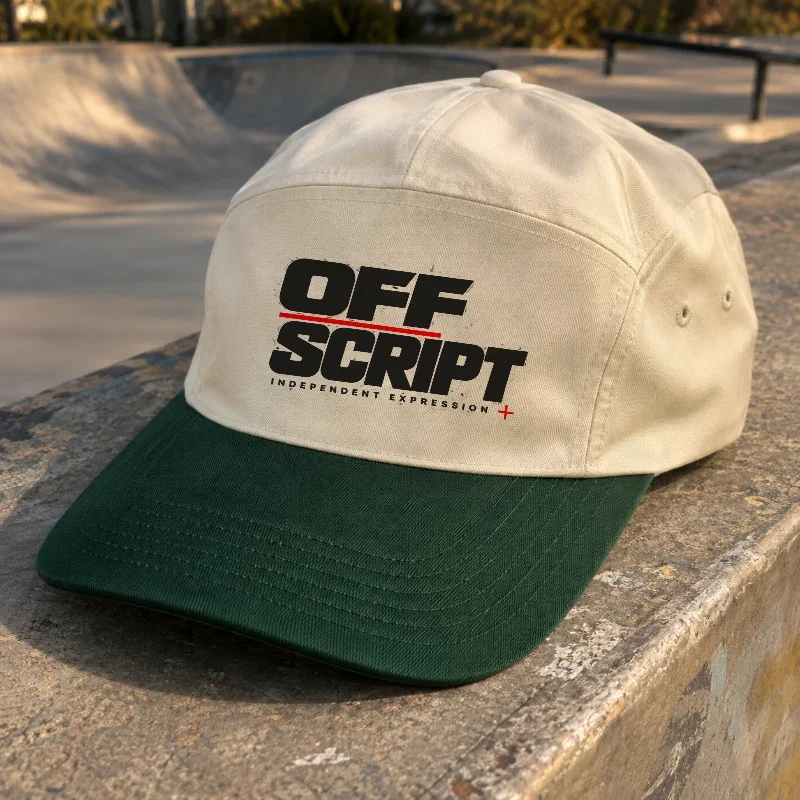
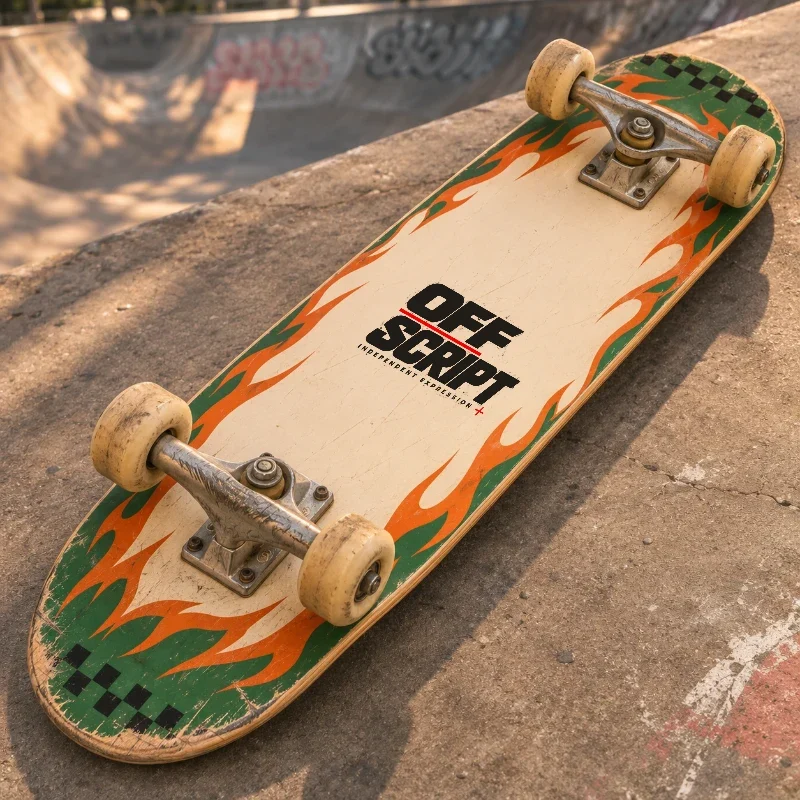
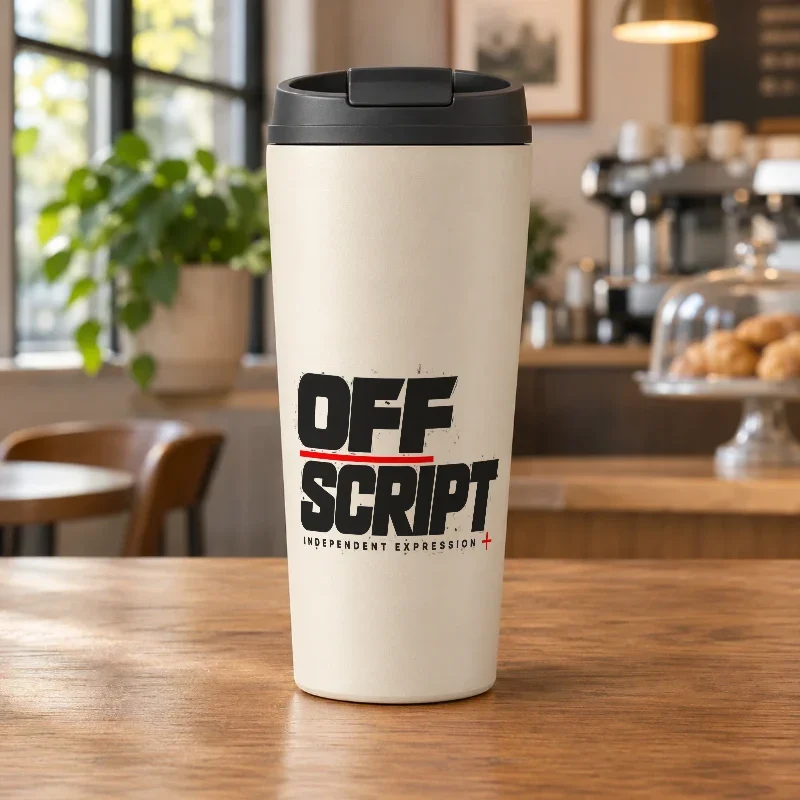
From artwork to mockup in three steps.
Choose your artwork
Use a PNG, JPEG, WebP, AVIF or GIF up to 32 MiB. Transparent logos work too; GIFs use a still frame.
Find your scene
Try different surfaces and adjust scale, rotation and placement. Use Fit to keep the whole design, or Fill to cover the print area.
Export and share
Download a 2048 × 2048 PNG for your portfolio, concept presentation or social post. Transparent scenes can keep their transparent background.
A little more detail.
Give your next idea a place in the world.
Already have a design? Try it on a mockup. Need a starting point? Explore image generation, then bring your result here.