Happique / AI workflow canvas
Your AI workflow.One connected canvas.
Bring prompts, media, and AI models onto one visual canvas. Connect the workflow yourself, or tell Canvas Agent what you need and let it create nodes, connect models, and refine your setup.
Product story / Canvas
From a reference to an image and a video
Select a node to explore
Text prompt. Keep your prompt in its own text node. Connect its output to the image model’s prompt input, then edit it as your idea develops.
Small tasks. Big possibilities.
Happique Studio
Create images and videos in Studio. Build connected workflows in Canvas.
 01
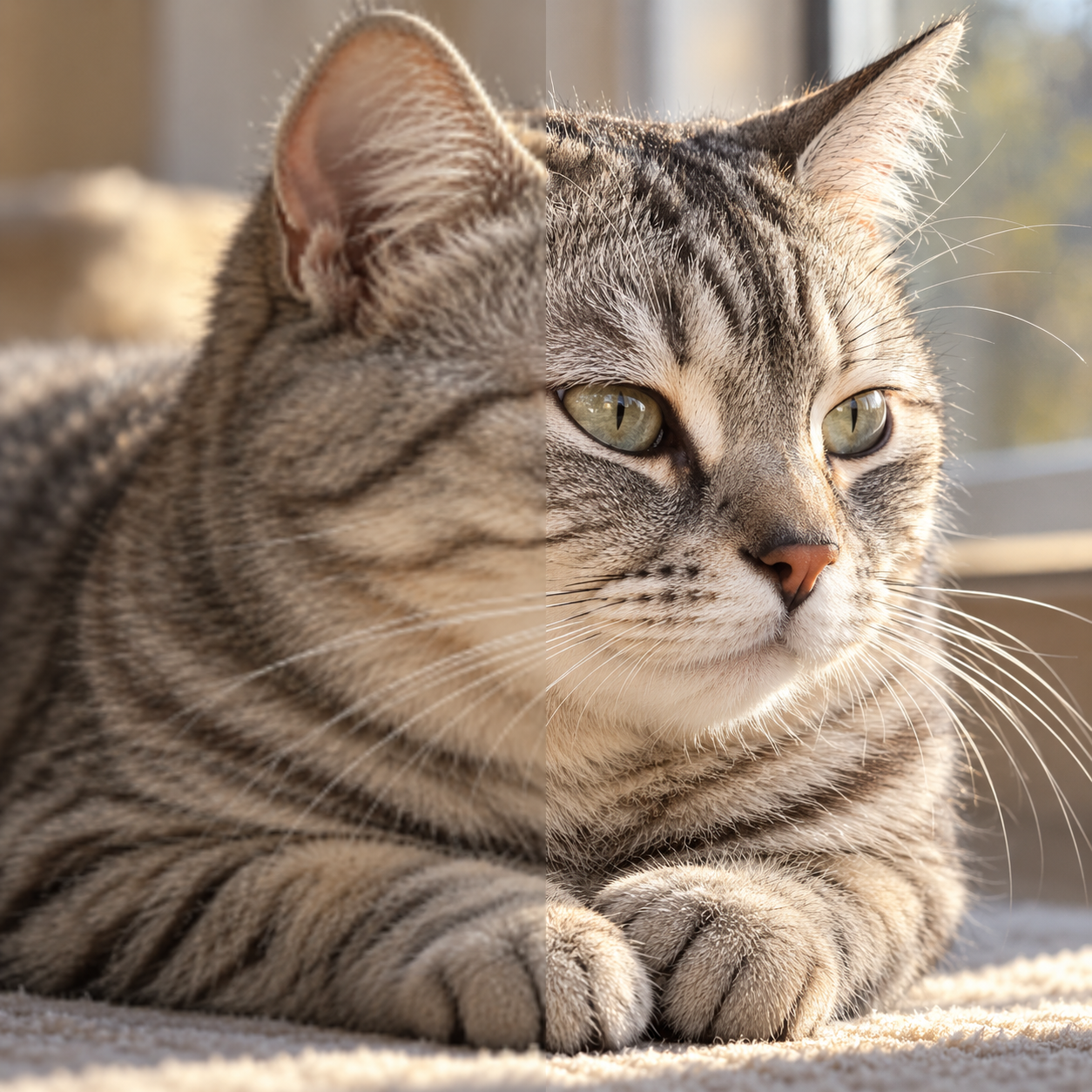
01AI image upscaler
More detail. A bigger picture.
Product photos · Photo restoration · Larger images
 02
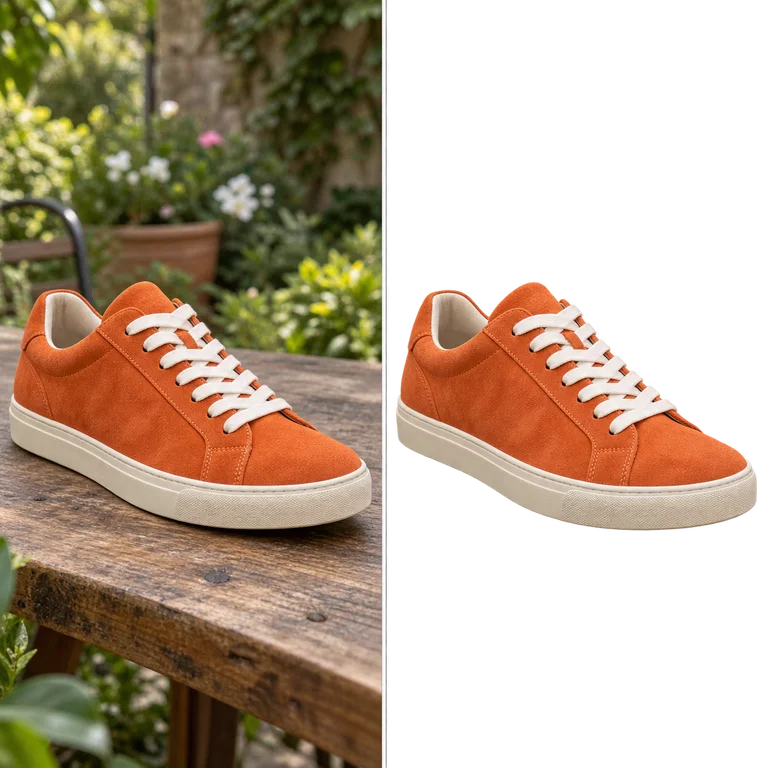
02AI background remover
Keep the subject. Lose the background.
Product listings · Profile photos · Design cutouts
 03
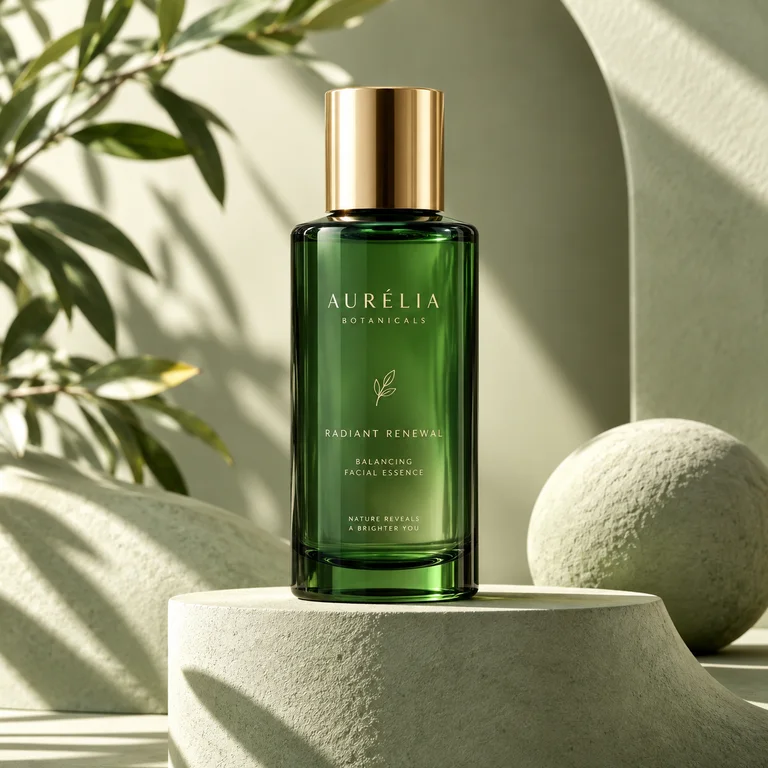
03AI image generator
Your next visual starts with a sentence.
Campaign visuals · Concept art · Social posts
 04
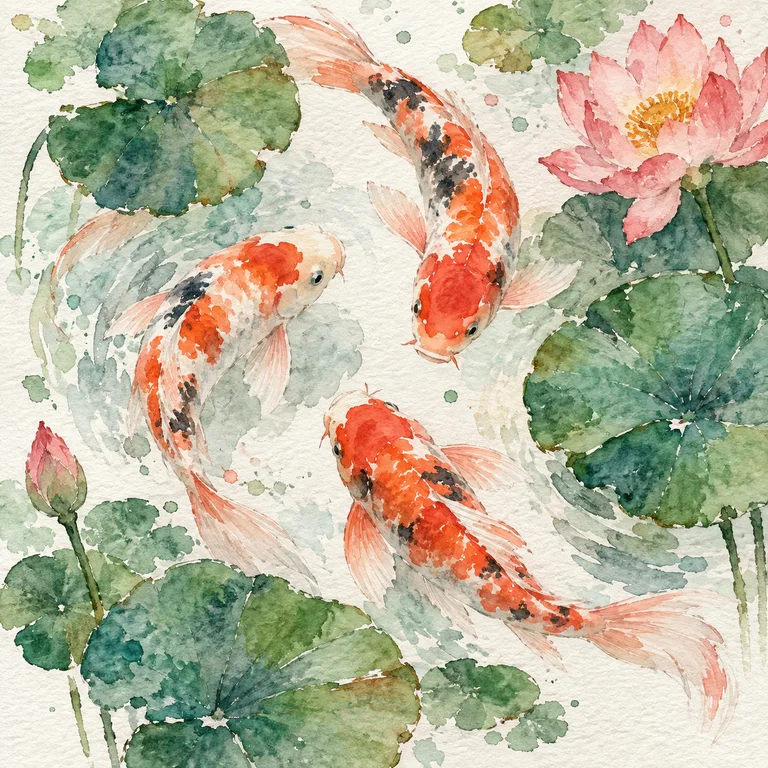
04AI image editor
Same starting point. A new direction.
New backgrounds · Style explorations · Photo refinements
Meet your Canvas Agent
You describe it.
Watch your canvas take shape.
Start a conversation, mention a node, or choose a quick command. Watch your agent build and refine the canvas as you chat — with every change right beside the conversation.
Canvas Agent
Your ideas, in conversation
YOU
Build a product campaign from my reference. Create an image, then connect it to upscaling and video.Canvas Agent
I’ll build this on your canvas and connect each step. You can refine any node with me.
Interactive preview · choose a command, then press send
Reading the reference image
Watch the agent build directly on the canvas.
Understands your context
Reads your canvas and selection. Mention a node to focus the conversation.
Acts on the canvas
Creates nodes, connects models, updates inputs, and groups related steps.
You direct the process
Inspect every change, choose approval settings, and review prepared runs.
Your first connected workflow
in 3 Simple Steps
Add your starting material
Open a canvas. Add a text node for your prompt, then drop in images or other files as reference nodes.
Connect inputs to AI nodes
Add a model from the node library. Connect the prompt and reference to its inputs, then set the parameters for that step.
Run, inspect, and build on it
Run the AI node and review its output. Connect the result to another node for upscaling or video generation, and keep iterating in context.
Create More. Pay Less.
Start with generous free credits. Upgrade when you're ready. Every plan includes access to all core AI modules.
Pro
- Unlimited HD images
- All AI models + up to 8× upscale (max 4K)
- No watermarks
- Priority queue
- Commercial license
All plans include a 7-day free trial. Cancel anytime.
Let's Talk
Interested in enterprise plans, API access, or custom integrations? We'd love to hear from you.
[email protected]happique.sweets.chatYour next idea starts
with a canvas.
Bring your references, connect your first AI node, and build a workflow you can keep developing. Open Happique in your browser to get started.
Prefer creating on your phone? Explore the Happique mobile app above.